
Best Indoor Home Security Cameras: A Complete Guide

- Understanding Smart Video Clips in Home Surveillance - March 5, 2026
- Access Control Installation - March 2, 2026
- Fire Alarm Systems - February 27, 2026
Ensuring the safety of your home is a priority, and indoor security cameras offer peace of mind by allowing you to keep an eye on what matters most. Today’s indoor security cameras go beyond simple recording, providing real-time alerts, two-way communication, and even AI-driven insights. In this guide, we’ll explore the best indoor home security cameras, breaking down their features, strengths, and what to consider before buying.
Why Invest in Indoor Security Cameras?
Indoor security cameras aren’t just for catching intruders. They can help you monitor pets, check on kids, or simply provide an extra sense of security. With real-time video feeds, motion alerts, and easy access via smartphone apps, you can see what’s happening at home from anywhere.
Key Features to Look for in Indoor Security Cameras
When shopping for an indoor security camera, you’ll want to consider these essential features:
1. High-Quality Video Resolution
Most security cameras offer HD (1080p) video quality, though some models now support 4K. Higher resolution provides clearer images, making it easier to identify people, pets, or objects in the frame.
2. Motion Detection
Motion detection is a must-have, alerting you to activity within your home. Some cameras even offer adjustable sensitivity to reduce false alarms.
3. Two-Way Audio
Two-way audio allows you to listen and speak through the camera, which is useful for checking in on kids, pets, or communicating with visitors.
4. Night Vision
A good indoor camera should have infrared night vision or low-light support. This ensures visibility even when the lights are off, which can be crucial for security.
5. Smart Home Compatibility
Integration with smart home platforms like Alexa, Google Assistant, or Apple HomeKit can enhance the functionality of your indoor security camera, allowing for voice control and automations.
6. Cloud Storage vs. Local Storage
Decide whether you want cloud storage (often requiring a monthly subscription) or local storage options like microSD cards. Cloud storage offers access to recorded footage from anywhere, while local storage keeps footage offline and potentially more secure.
Top Picks for Indoor Home Security Cameras
Let’s dive into some of the best indoor security cameras available today, looking at their features, pros, and cons to help you make the best choice for your home.
1. Wyze Cam v3
Features: Wyze Cam v3 offers high-definition 1080p video, two-way audio, night vision, and an affordable price point. With motion and sound detection, it sends notifications directly to your phone.
Pros:
- Affordable
- Versatile mounting options
- Excellent video quality for the price
Cons:
- Requires subscription for full cloud storage
2. Google Nest Cam (Indoor, Wired)
Features: The Nest Cam offers high-definition video quality with intelligent alerts powered by Google AI, which can differentiate between people, pets, and objects.
Pros:
- Smart detection capabilities
- Integration with Google Home
- Reliable and durable design
Cons:
- Monthly subscription needed for advanced features
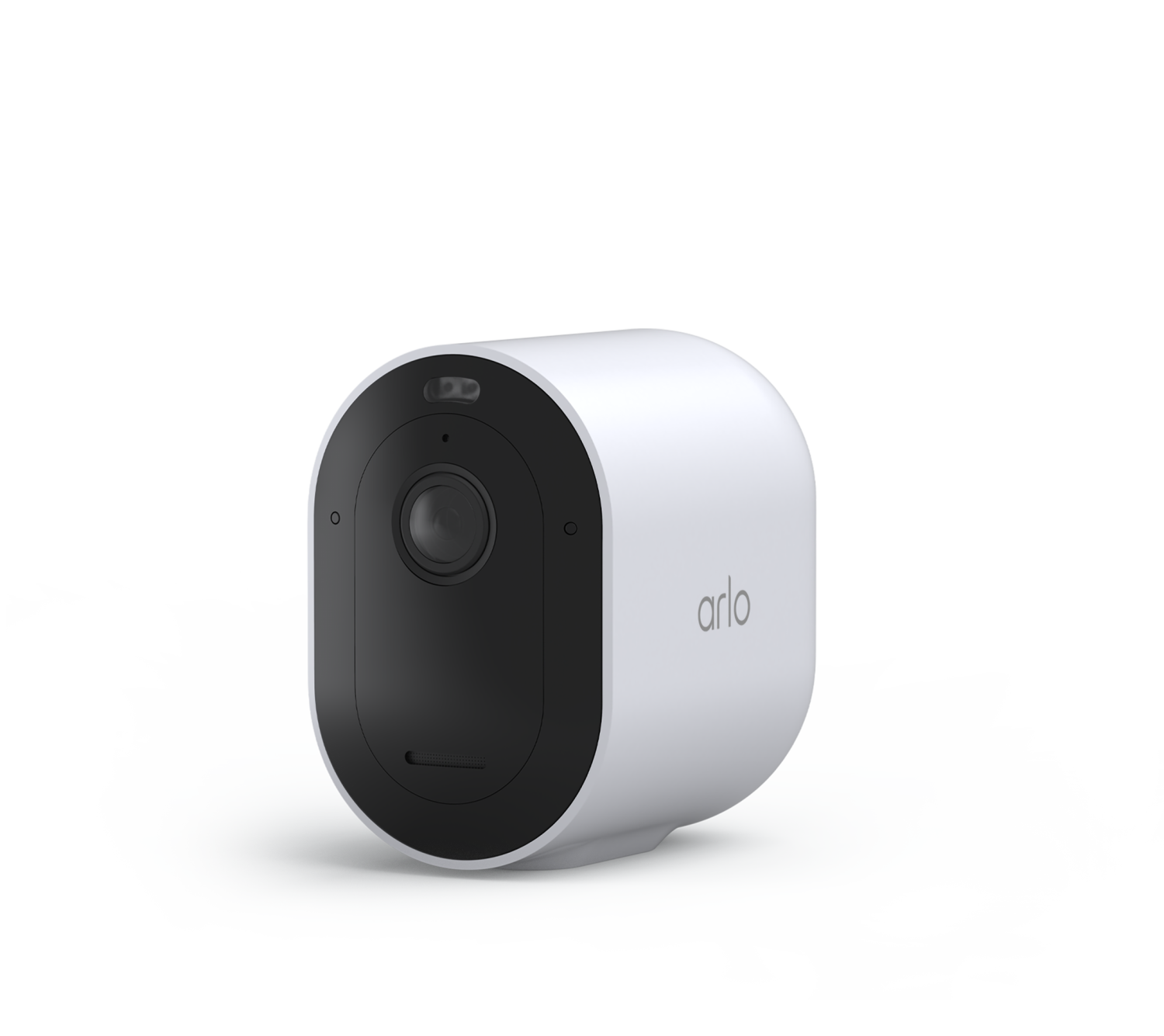
3. Arlo Pro 4
Features: Arlo Pro 4 comes with 2K video resolution, a wide field of view, two-way audio, and both cloud and local storage options.
Pros:
- 2K resolution for crisp video
- Weather-resistant for indoor and outdoor use
- Integrated with major smart home platforms
Cons:
- Higher price point than some competitors
4. Ring Indoor Cam
Features: Compact and easy to set up, the Ring Indoor Cam offers 1080p video, night vision, and seamless integration with other Ring devices and Alexa.
Pros:
- Compact design
- Affordable
- Easy setup and management through the Ring app
Cons:
- Subscription required for video storage
5. Eufy Indoor Cam 2K
Features: Known for its 2K video quality, the Eufy Indoor Cam offers local storage, smart motion detection, and two-way audio without requiring a subscription.
Pros:
- High-quality video resolution
- Local storage with no fees
- Integration with Amazon Alexa and Google Assistant
Cons:
- Limited smart home integration
Setting Up Your Indoor Security Camera
Once you’ve chosen a camera, setup is typically straightforward. Most indoor cameras connect via Wi-Fi and have apps that guide you through installation. Here are a few steps to keep in mind:
- Choose a Secure Spot: Position the camera to cover high-traffic areas or entrances.
- Mounting Options: Decide if you’ll mount it to the wall or place it on a flat surface.
- Connect to Wi-Fi: Follow the app’s instructions to connect your camera to Wi-Fi.
- Customize Settings: Adjust motion detection, audio, and notification settings.
Privacy Considerations
Since indoor cameras record activities inside your home, privacy is a concern. Look for cameras with:
- Data Encryption: Ensure the camera offers end-to-end encryption.
- Two-Factor Authentication: Adds an extra layer of security.
- Privacy Shutter: Some cameras come with a shutter to manually cover the lens when not in use.
Conclusion
Indoor security cameras are a valuable addition to any home, providing peace of mind and an added layer of security. Whether you need a budget-friendly option or advanced AI features, there’s a model suited for every need. Take time to compare features, consider your budget, and choose a camera that fits your lifestyle and security needs.
FAQs
-
Do I need Wi-Fi for indoor security cameras?
Yes, most indoor security cameras require Wi-Fi for setup and to stream footage to your smartphone or computer.
-
Can indoor cameras work outdoors?
Some models, like the Arlo Pro 4, can be used indoors and outdoors, but not all indoor cameras are weatherproof.
-
Is subscription necessary for indoor cameras?
Some cameras, like the Ring Indoor Cam, require a subscription for cloud storage, while others, like Eufy, offer local storage for free.
-
How much data does a security camera use?
On average, indoor security cameras use between 1-4 GB of data per month, depending on resolution and activity level.
-
Can I use indoor cameras without an app?
Most indoor cameras require a companion app for setup and remote monitoring, although some models may have limited functionality without it.
SOURCES:
About All Action Alarm: Your Trusted Partner in Home Security Solutions
AllActionAlarm.com is Long Island’s top choice for state-of-the-art home automation systems, providing unmatched protection and peace of mind for all homeowners. With years of expertise, we specialize in creating customized security solutions, combining cutting-edge technology with seamless installation and 24/7 monitoring. Whether it’s high-definition surveillance, advanced access control, or intrusion detection, we deliver systems designed to safeguard your assets and personnel.
Check out Home Automation Systems and Get Started with All Action Alarm Today!
Our team of certified professionals is committed to offering the best security systems in Long Island, New York. We understand the unique challenges homeowners face and work closely with you to develop a comprehensive security plan that fits your needs. We don’t just sell equipment; we partner with you for the long haul, ensuring your home remains protected against any threat.
Don’t leave your home’s safety to chance—contact us at (631) 549-7225 today for a free consultation and experience the AllActionAlarm difference!
Click on this link for more articles about Best Security Cameras for Your Home.


 Ca.garcia.s, CC BY-SA 4.0
 image by PxHere